You open a batch offer and the total looks decent, but the item list has two cases of water, a bag of dog food and a 20-pound bag of rice. Do you take it?
Instacart heavy pay is extra pay added to a batch that contains heavy or bulky items, meant to compensate you for the extra physical work. If you ask what is Instacart heavy pay, the short version is this: it is a bonus-style component built into the payout you see on the offer, not a separate payment you apply for later. The exact rules, thresholds and amounts vary by market and change often, so always check your own app.
The short answer will not tell you whether a heavy batch is actually worth taking, so below you get a way to judge it, a worked example, and the mistakes that cost shoppers money.
Why heavy pay exists in the first place
A 15-item order of salad kits and a 15-item order of bottled water are not the same job. One takes ten minutes in the store. The other means lifting, loading the cart bottom shelf, and carrying cases up stairs.
Heavy pay is Instacart's way of putting a price on that extra effort. Instead of paying the same for easy and hard orders, the payout gets a boost when the order includes qualifying heavy items.
What counts as heavy, and how much extra you get, is not something I can give you as a fixed number. Instacart changes its pay formulas, and they can differ by region and even by batch. Treat anything you read online, including this article, as a starting point and confirm in your app.
So where do you actually see it? That is the next piece.
How to spot heavy pay on a batch offer
Heavy pay is part of the total estimated earnings on an offer. Depending on your app version, you may see it called out in the pay breakdown or in the batch details, or you may only notice that the item list includes heavy products.
Here is a quick routine before you accept anything:
Look at the total payout first, then open the details and see what makes it up (base pay, tips, any boosts, heavy pay if shown).
Scan the item list for water cases, soda flats, pet food, cat litter, bags of flour or rice, laundry detergent and similar items.
Check the distance and store, since a heavy batch from a crowded store with a long drive is a different job from one near you.
Note the delivery address type if you can. Stairs or a long walk-up changes the effort a lot.
Do not assume a batch has heavy pay just because it has heavy items, or the reverse. Whether it applies is decided by Instacart's rules for that order, and the app is the only source you can trust for that.
Is heavy pay worth it? A step-by-step example
Heavy pay only matters if the whole batch beats your alternatives. A bigger number with more work can still be the worse choice.
Here is a hypothetical example. These numbers are made up to show the thinking, not real pay data.
You are choosing between two offers at the same time:
Offer A: $26 total, 16 items, 3 miles, no heavy items.
Offer B: $34 total (including a heavy pay portion), 19 items, 6 miles, includes two water cases and a large bag of dog food.
Step by step:
Estimate time. Say Offer A takes about 40 minutes start to finish, and Offer B takes about 60 because of the longer drive and the heavy loading.
Compare per-hour. $26 in 40 minutes works out to about $39 an hour before costs. $34 in 60 minutes is $34 an hour before costs.
Add your costs. The extra 3 miles each way adds fuel and wear on your car, which narrows the gap further.
Add the physical factor. If your back is already tired or the delivery has stairs, Offer B costs you more than the math shows.
Decide. In this made-up case, Offer A wins on pure efficiency even though Offer B has the bigger total.
Flip the numbers, say Offer B is only 4 miles and has an elevator drop-off, and the answer could change. The point is to compare, not to chase the word "heavy" or avoid it.
Next, the habits that quietly drain your earnings on these batches.
Common heavy pay mistakes that cost you money
The most common mistake is judging by the total alone. A high total with a long drive and a heavy load can pay less per hour than a small, easy batch.
Ignoring your own limits. Lifting heavy cases all day wears you down. If you get hurt or burned out, that costs far more than one skipped batch.
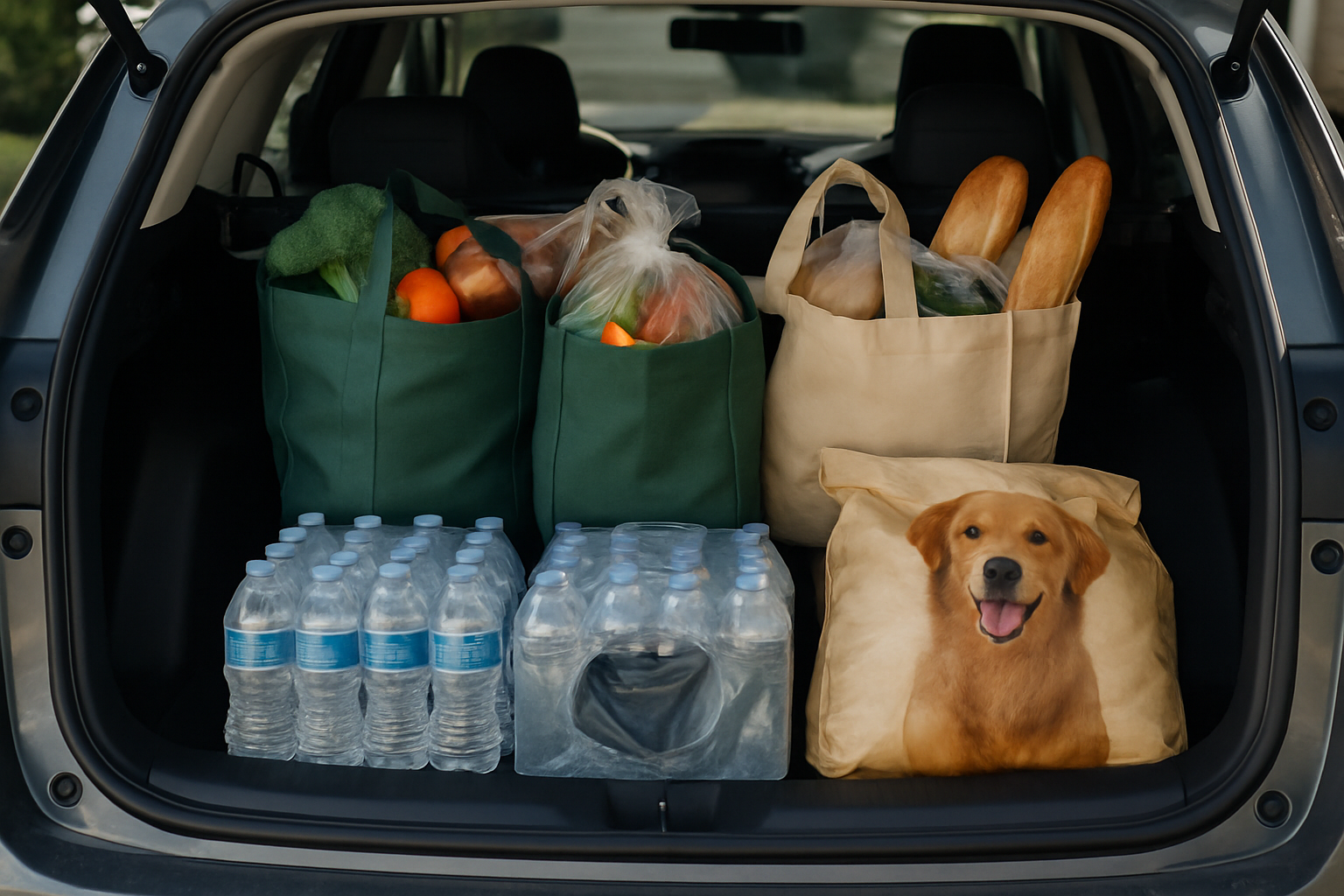
Forgetting the order of loading. Heavy items go on the bottom of the cart and in the bags that will not crush bread, eggs or produce. A damaged item can mean a bad rating or a refund issue.
Not checking the delivery details. A third-floor walk-up with no elevator changes the job. Read the notes you can see before accepting.
Taking every heavy batch to "catch up." Chasing extras when you are tired leads to slower, sloppier shopping.
Treating old info as current. Pay rules shift. If a forum post says heavy pay is a certain amount, verify it against what your app shows today.
If you avoid these, you are already ahead of many newer shoppers. A few advanced habits go further.
Smarter ways to handle heavy batches
Decide your rules before you see the offer. It is much easier to say no to a bad batch when you already know your minimum and your limits.
Set a personal minimum per mile or per hour. Use it for heavy and non-heavy batches alike.
Pick stores you know. Knowing the layout saves time on bulky items, which are often in big aisles or by the entrance.
Bring what helps. A sturdy cart, good bags and gloves make heavy items less painful. Ask for a store cart at the heavy section if the store allows it.
Keep your trunk organized. Heavy items first, fragile on top, cold items separate.
Track your own results. Note the store, the total, the time and whether the batch was heavy. After a few weeks you will see which heavy batches truly pay for you.
Your heavy batch decision checklist
Save this table and run through it in about ten seconds per offer.
| Question | Good sign | Warning sign |
|---|---|---|
| Total payout vs. distance | Strong total for a short drive | Big total but a long drive |
| Heavy items listed | Few heavy items, heavy pay shown | Many heavy items, no visible extra pay |
| Item count | Moderate, easy to find | Large order with many bulky items |
| Store | One you know well | Crowded or unfamiliar |
| Drop-off | Ground level, clear notes | Stairs or long carry |
| Your energy | Fresh, enough time | Tired, tight schedule |
If you see more warning signs than good signs, skip it or compare it against the next offer before accepting.
Where ShopperBoost fits into this workflow
Deciding which batches deserve your time is a lot easier when you set your rules in advance. ShopperBoost is the official distributor of ShopperX, an automation tool for iPhone that accepts batches matching filters you define, such as minimum payment, maximum distance and preferred or allowed stores. It runs in the background, so you do not have to keep watching the screen.
A few things to know so you can judge it fairly. ShopperX only auto-accepts batches that match all your criteria, and if you want a batch your filters did not pick up, such as a heavy one you decide is worth it, you can still accept it manually in the Instacart app. Both ShopperX and Instacart need to be open, it works on iPhone only, and it is available in the US and Canada. The FAQ I reviewed does not describe a filter specifically for heavy pay, so check how your filters treat the total payout on those batches.
As with any automation tool, there is some level of risk, and results depend on your market, hours and filter settings. New users can try a free 5-day trial before deciding.
Instacart heavy pay FAQ
Is heavy pay the same as a tip?
No. A tip comes from the customer, while heavy pay is part of the pay Instacart builds into the batch. Check your batch details to see how each part is shown.
How much is Instacart heavy pay?
It varies by market, order and time, and Instacart can change it. Look at the pay breakdown on the offer in your app rather than relying on a fixed number you read online.
Should I decline batches with heavy items?
Not automatically. Compare the total, distance, time and physical effort, then decide. A heavy batch with a short drive and clear pay can be fine, and a heavy batch with a long drive may not be.
Can I tell if a batch has heavy pay before accepting?
Often you can see it in the offer or batch details, though how it appears depends on your app version. If it is not clearly shown, use the item list to judge the workload and rely on the total you see.
The one habit that matters most is to judge every batch, heavy or not, by total pay against your time, distance and effort. Heavy pay is a useful extra only when the whole batch still beats your next best option.
This site is not affiliated with Instacart.