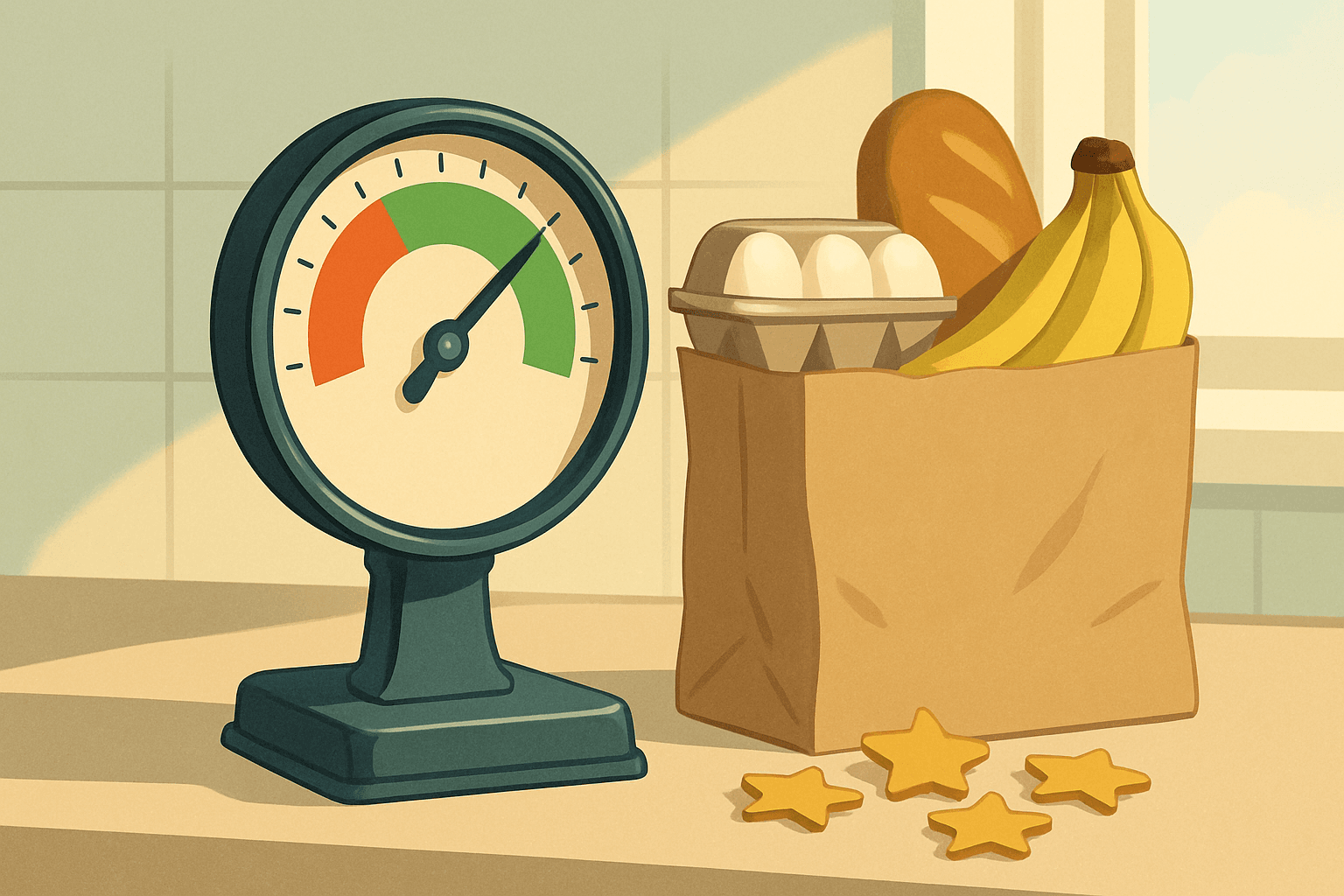
You finish a delivery, the customer leaves four stars with no comment, and you start wondering if that one rating just cost you better batches next week.
Your instacart quality score is Instacart's way of tracking how reliably you shop and deliver: customer ratings, item accuracy, on-time drop-offs, and whether you finish what you accept. Instacart doesn't publish the exact formula or the weights, and what the app shows you can change by market and over time. So treat any magic number you read online as a guess, and focus on the behavior underneath it.
Below you'll find what likely feeds the score, a worked example of how one decision at the accept screen plays out, a step list you can follow on every order, and the mistakes that quietly drag you down.
What actually feeds your quality score
Nobody outside Instacart can hand you the full recipe. But shoppers keep pointing to the same handful of inputs, and they all match what a grocery delivery service would obviously care about:
Customer ratings and written feedback
Accuracy: wrong items, missing items, bad replacements
Timeliness: arriving inside the delivery window
Completion: finishing batches you accept instead of dropping them
Item care: crushed bread, warm frozen food, a cracked carton of eggs
How much each one counts is Instacart's call, and it may shift. Open your Shopper app and look through the ratings and account sections to see what's currently shown for your market. If a screen or label has changed since you last looked, go with the app, not a blog post (this one included).
Why a score you can't see still shapes your week
Instacart decides which shoppers see which batches using its own tier and priority rules, and performance is widely understood to be part of that picture. The exact connection isn't published, so nobody can tell you that a drop of X points costs you Y dollars.
What you can say with confidence is that late orders, wrong items and dropped batches are the things customers complain about, and complaints are what any platform tries to reduce. You can't see the formula, but you can see the habits that feed it, and those are the only part you control.
It also helps to stop treating one rating as a verdict. A single four-star from someone upset about a store being out of oat milk is one data point. A pattern of the same problem is what shows up.
One accept decision, step by step (hypothetical)
Say two offers land on your screen within a minute of each other. The numbers below are made up to show the thinking, not real pay data.
Offer A: $24, 14 items, 4 miles, a store you know well, no heavy items.
Offer B: $24, 46 items, 9 miles, a store you rarely shop, two cases of water and a bag of dog food.
The pay looks identical, so you'd think it's a coin flip. It isn't.
Walk through Offer B. A 46-item order in an unfamiliar store means you're hunting for aisles, which eats time. More items means more chances for out-of-stocks, and out-of-stocks mean replacements, which are where a lot of customer frustration comes from. Nine miles plus a long shop puts the delivery window at risk, and the heavy items make the drop-off slower.
Now Offer A. You know where the oat milk lives. There are fewer items to get wrong, fewer replacements to choose, and a short drive. You can scan carefully instead of rushing.
Same money, very different odds of a clean order. If you take B anyway, that's a fine call when you're fresh and have a plan. It's a bad call at the end of a ten-hour day.
The routine that protects your score on every order
Nothing here is exotic. It's just doing the boring parts the same way every time.
Before accepting, check item count, distance, heavy items and the store. Decide if you can do this order well, not just fast.
Read the customer's notes and the replacement preferences before you walk in, not at the register.
Shop in the order that keeps cold items last, and fix problems early rather than at item 40.
For anything out of stock, pick the closest replacement or message the customer in the app. Guessing wildly is how bad replacements happen.
Check dates, ripeness and packaging before items go in the cart. Swapping a bruised avocado takes ten seconds.
Bag so heavy items sit on the bottom and eggs, bread and chips don't.
Follow the app's drop-off prompts, including any photo steps, and watch the delivery window while you drive.
If you're running behind, message the customer before the window closes. Silence feels worse to them than a short heads-up.
Mistakes that quietly hurt you
The worst ones don't feel like mistakes in the moment.
Accepting everything when you're tired is the big one. A rushed shop is a sloppy shop, and sloppy shops produce missing items. Stacking more orders than you can handle has the same effect, only it also pushes you late.
Another is skipping the chat. Customers often answer a quick question in under a minute, and one answered question can save a one-star replacement complaint.
Then there's accepting a batch and dropping it halfway because you realized it's bigger than you thought. Instacart's current rules on unassigning and declining vary and change, so read what the app says before you rely on any habit. In general, thinking harder before you accept costs you nothing, and backing out after you accept can.
Last, don't chase a rating after a bad one. Taking a rushed, risky batch to "make it up" is how a single bad day turns into a pattern.
A quick check before you tap accept
Save this table. It takes about ten seconds to run through and it covers most of what goes wrong.
| What you see | What it can put at risk | Better move |
|---|---|---|
| Large item count in a store you don't know | Long shop, more out-of-stocks, late arrival | Skip it, or accept only if you have time to spare |
| Heavy items (water, pet food, bulk packs) | Slow drop-off, damaged or poorly packed items | Accept only if you can handle the lift and the stairs |
| Long distance after a long shop | Missing the delivery window | Do the math on the whole trip, not just the pay |
| Strict notes or no-replacement requests | Wrong or unwanted substitutions | Read the notes first and message early |
| You're tired or hungry | Rushed scanning, careless packing | Take a short break or pick smaller orders |
| A second batch stacked on the first | One order running late hurts both | Only stack when both stops are close |
Where ShopperBoost fits in
Most quality score trouble starts at the accept screen, with a batch that was never a good match for you. ShopperBoost distributes ShopperX, an iPhone tool for Instacart shoppers in the US and Canada that uses Smart Filters to accept only batches matching your rules: minimum payment, maximum distance, preferred stores and allowed stores. It accepts only batches that match all of your criteria, so those rules do the saying no for you.
A few honest limits. ShopperX doesn't change your quality score and it doesn't bypass Instacart's priority system, since Instacart distributes batches under its own tier rules. If your filters are set loosely, it can accept batches you'd have skipped, so set them carefully. You can still accept anything manually through the Instacart app. And like any automation tool, it can't guarantee zero risk to your account. New users can try it free for 5 days with no credit card, and ShopperX only runs on iOS.
FAQ
Can one bad rating wreck my quality score?
Instacart doesn't publish how ratings are weighted, but a single rating is usually one data point among many. Patterns like repeated late deliveries or missing items matter more than one unhappy customer.
Where can I see my Instacart quality score?
It depends on your market and the current version of the app. Check the ratings and account sections in your Shopper app, and don't assume you'll see a single number.
Does declining batches hurt my score?
Instacart's rules on declining and unassigning change and can differ by market, so read what the app currently says. What tends to hurt is accepting something and then not completing it well.
Does using an automation tool change my quality score?
ShopperX doesn't alter your score or Instacart's priority rules. It accepts batches that match your filters, and your shopping quality still decides how the order goes.
You can't control the formula, but you can control which batches you say yes to and how carefully you shop them. Get those two right and the score tends to take care of itself.
This site is not affiliated with Instacart.